From CV to Site
From CV to Site
Build a professional academic website from your CV — designed with AI, deployed with Next.js, Vercel, and Cloudflare.
What is this?
From CV to Site is an open-source guide and starter template for academics who want a professional personal website without wrestling with web development. It’s written for people who have never touched a line of code — faculty, graduate students, and educators — and it walks through the exact process Hannah used to build MLTI Lab, including how to pair-program with Claude, automate publications from a Word CV, and deploy for roughly the price of a good espresso. This repo is a work-in-progress: tutorials are being added as they’re written, so star or watch the repo if you’d like to follow along.
Who is this for?
- Faculty building (or rebuilding) a personal or lab website
- Ph.D. students on the job market who need a site that looks like they mean it
- Educators interested in open educational resources and sharing their teaching
- Researchers curious about AI-assisted design and want a hands-on project to learn with
No prior web-dev experience is assumed. If you can edit a Word document and copy-paste a command, you can do this.
Features (of the resulting site)
- CV automation — edit your Word CV, and publications and projects update themselves
- Fully responsive — works on mobile, iPad, and desktop out of the box
- Editorial typography — styled for academic content, not startup landing pages
- Free hosting via Vercel
- Custom domain for ~$15/year (optional, highly recommended)
- Built with Claude — AI pair-programming throughout, documented step by step
Live Example
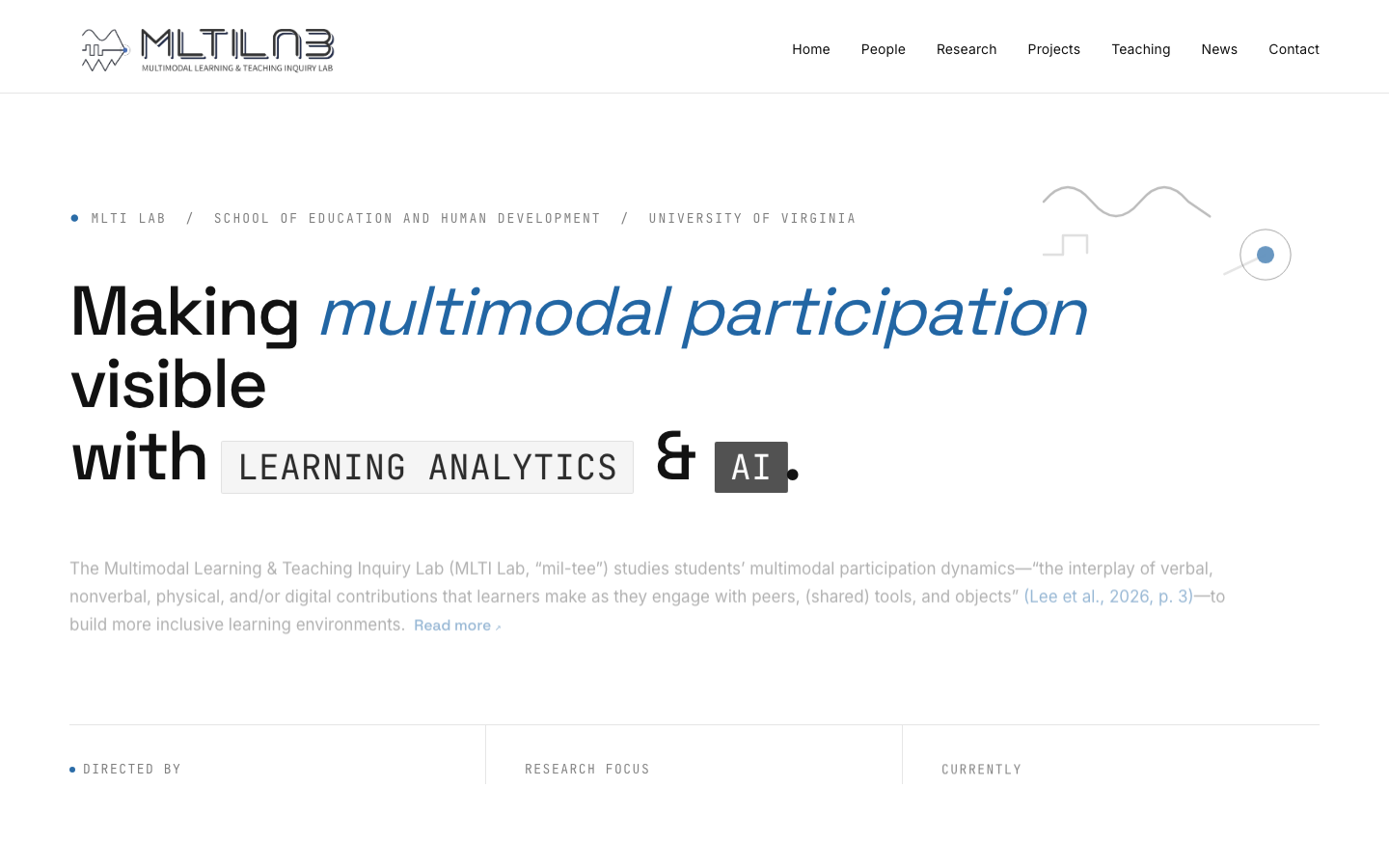
See MLTI Lab — built using this approach.
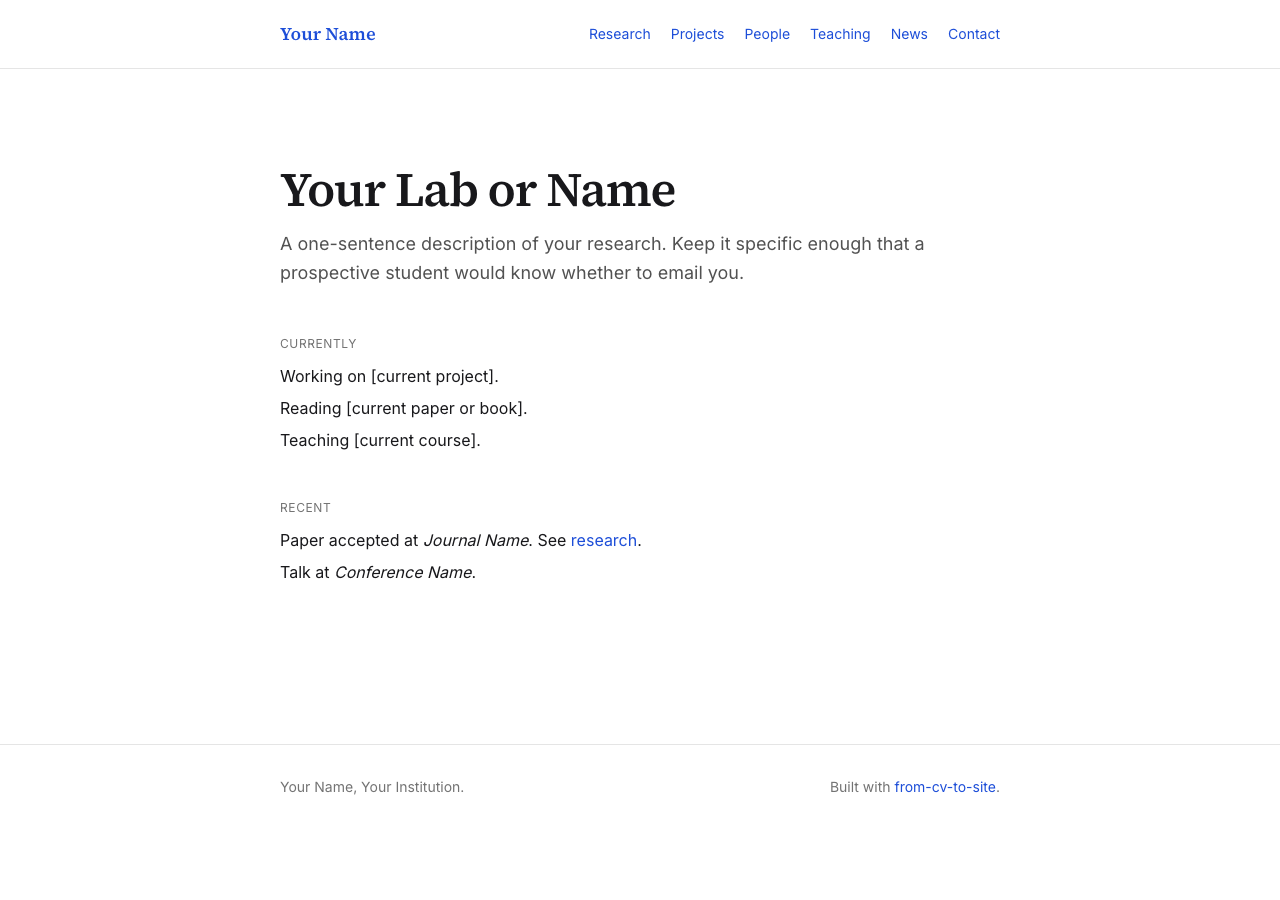
The starter
The starter/ directory is a working reference implementation of the stack. Fork or copy it to begin; Tutorials 3 through 7 build against it.
git clone https://github.com/HakeoungLee/from-cv-to-site.git
cp -r from-cv-to-site/starter ~/dev/my-site
cd ~/dev/my-site
pnpm install
pnpm cv:sample   # write a sample CV
pnpm cv:update   # parse it into typed data
pnpm dev         # http://localhost:3000
See the starter README for a full tour.
Quick reference
See REFERENCE.md for commands, file layout, entry formats, and troubleshooting at a glance.
Documentation site
The full tutorial series is also browsable at hakeounglee.github.io/from-cv-to-site with the same content rendered as a docs site.
Tutorials
The tutorial series is organized as technical documentation. Read in order on first pass; return to specific tutorials as reference.
- Why Build Your Own Site? — scope, requirements, and tradeoffs
- Designing with AI (Claude) — producing a written design brief
- Tech Setup — installing Node.js, pnpm, Git, and Claude Code
- Building the Pages — Next.js project structure and page templates
- CV Automation — parsing a Word CV into typed data and BibTeX
- Deploying — Vercel, custom domain, DNS, redirects, and analytics
- Maintaining & Extending — routine updates, dependency management, and extensions
Workshops
Live workshops are being planned (dates TBD). Check back here for announcements, or open an issue if you’d like to be notified.
About the Author
Hakeoung Hannah Lee is an Assistant Professor at the University of Virginia (School of Education and Human Development). She built the MLTI Lab website while traveling between conferences, using AI tools and a lot of coffee.
Visit mltilab.com.
Contributing
This is a work-in-progress, and feedback is very welcome:
- Open an issue for questions, suggestions, or things that didn’t make sense
- Fork the repo and share your own adaptations — seeing other academics’ sites is the best part
- Get in touch: hannahlee@virginia.edu
See CONTRIBUTING.md for details, including how to contribute without using the terminal.
License
MIT License — you’re free to use, fork, and adapt this work. Please retain the copyright notice and include the license in redistributions, as required by MIT. See the LICENSE file for details.